
- Complies with IEEE 802.3ab and IEEE 802.3z
- FX port supports hot-swappable
- Extends fiber distance up to 0.55km for multi-mode fiber and 10km for single-mode fiber
TP-Link OC300 Omada Hardware Controller
Featuring hybrid cloud technology, the Omada Hardware Controller OC300 allows you to remotely control the whole network wherever you are in the world with cloud access. Locally manage devices with the ultimate security and stability.
Key Features:
- Centralized Management: Up to 500 Omada access points, 100 JetStream switches, and 100 Omada routers.
- Free Cloud Access: Manage and monitor with the Omada app or Web UI from anywhere, anytime.
- On-Premises Management: Locally monitor and manage devices with the ultimate security and stability.
- Industry-Leading Hardware Design: A powerful chipset, durable metal casing, USB 3.0 port for auto backup, and two Gigabit ports.
- Easy and Intelligent Network Monitoring: The easy-to-use dashboard makes it simple to see the real-time network status and traffic distribution.
- Real-Time Network Topology: Helps IT admins quickly see and troubleshoot connections at a glance.
- Easier Network Maintenance: WiFi heatmap simulator, visualisable network report, and batch & multi-site management benefit network maintenance.
TP-Link MC200CM Gigabit SC Multimode Media Converter
Other features of this module include the ability to be used as a stand alone device (no chassis required) or with TP-LINK?s 19?system chassis, Auto MDI/MDI-X for TX port, and front panel status LEDs. The MC200CM will transmit at extended fibre optic distances utilizing multi-mode fibre up to 0.55 kilometres.
Key Features:
- Complies with IEEE 802.3ab and IEEE 802.3z
- Provides switch configuration of Force /Auto transfer mode for FX port
- Extends fibre distance up to 0.55km
TP-Link MC210CS Gigabit SC Single Mode Media Converter
- Singlemode gigabit ethernet transmission
- Gigabit ethernet RJ45 Copper connector
- Multimode duplex SC fibre connector
TP-LINK
Frequently Asked Questions
(opens in new tab)
Introducing the NEW TP-Link PoE Switch
Introducing the NEW TP-Link PoE Switch
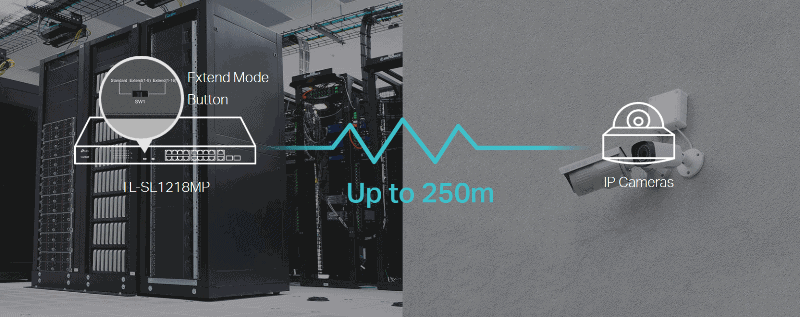
This easy to deploy PoE switch has a high PoE power budget and complies with the 802.3af/at PoE+ standard, compatible with both mode A and mode B, supporting up to 30W power supply on each PoE port. The total high PoE power budget of up to 192W for the 16 PoE ports, makes it ideal for small to medium business surveillance systems.
This type of PoE switch is specially designed for IP surveillance systems and makes surveillance installation simpler, safer and less expensive. With the extend mode, the PoE transmission distance reaches up to 250m which makes it perfect for IP Camera deployment in large area coverage.
You also have 16 PoE+ 10/100Mbps RJ45 ports, 2 Gigabit RJ45 ports and 2 combo Gigabit SFP slots, high PoE power budget with up to 30W for each PoE port and 192W for all PoE ports. And the priority mode for port 1-8 guarantees the quality of sensitive applications like video monitor.

The NEW 16-Port + 2-Port Gigabit Unmanaged PoE Switch is now available at Quality Essential Distribution.
Contact the QED team for more information on the TP-Link Unmanaged PoE Switches:
Telephone: 01772 336 111
E-mail: sales@qedgroup.co.uk
Velocity Cat5e U-UTP 24awg 4 Pair LSZH Orange
The Velocity premium UTP (unshielded twisted pair) Category 5e and Cat 6 cable is suitable for both fast ethernet and gigabit ethernet applications. The printing detail on the outer sheath includes reverse metre marking, starting at 305M – 0M within each box supplied. This allows for a quick, efficient and easy measurement of the cable that has been installed and the amount remaining in each box. The sheath also has low memory retention to help prevent recoiling when pulled from the box. The triple layered, heavy duty cardboard box has been designed to contain the cable whilst being installed on the site. Snag free coiling and strong carry handles will ensure that the installation is quick and with ease. Please contact us if you wish to buy in bulk.
Velocity Cat5e U-UTP 24awg 4 Pair LSZH Yellow
The Velocity premium UTP (unshielded twisted pair) Category 5e and Cat 6 cable is suitable for both fast ethernet and gigabit ethernet applications. The printing detail on the outer sheath includes reverse metre marking, starting at 305M – 0M within each box supplied. This allows for a quick, efficient and easy measurement of the cable that has been installed and the amount remaining in each box. The sheath also has low memory retention to help prevent recoiling when pulled from the box. The triple layered, heavy duty cardboard box has been designed to contain the cable whilst being installed on the site. Snag free coiling and strong carry handles will ensure that the installation is quick and with ease. Please contact us if you wish to buy in bulk.
Velocity Cat5e U-UTP 24awg 4 Pair LSZH White
The Velocity premium UTP (unshielded twisted pair) Category 5e and Cat 6 cable is suitable for both fast ethernet and gigabit ethernet applications. The printing detail on the outer sheath includes reverse metre marking, starting at 305M – 0M within each box supplied.
Low memory retention to help prevent recoiling when pulled from the box.
The triple layered, heavy duty cardboard box has been designed to contain the cable whilst being installed on the site. Snag free coiling and strong carry handles will ensure that the installation is quick and with ease. Please contact us if you wish to buy in bulk.
Velocity Cat5e U-UTP 24awg 4 Pair LSZH Violet
The Velocity premium UTP (unshielded twisted pair) Category 5e and Cat 6 cable is suitable for both fast ethernet and gigabit ethernet applications. The printing detail on the outer sheath includes reverse metre marking, starting at 305M – 0M within each box supplied. This allows for a quick, efficient and easy measurement of the cable that has been installed and the amount remaining in each box. The sheath also has low memory retention to help prevent recoiling when pulled from the box. The triple layered, heavy duty cardboard box has been designed to contain the cable whilst being installed on the site. Snag free coiling and strong carry handles will ensure that the installation is quick and with ease. Please contact us if you wish to buy in bulk.
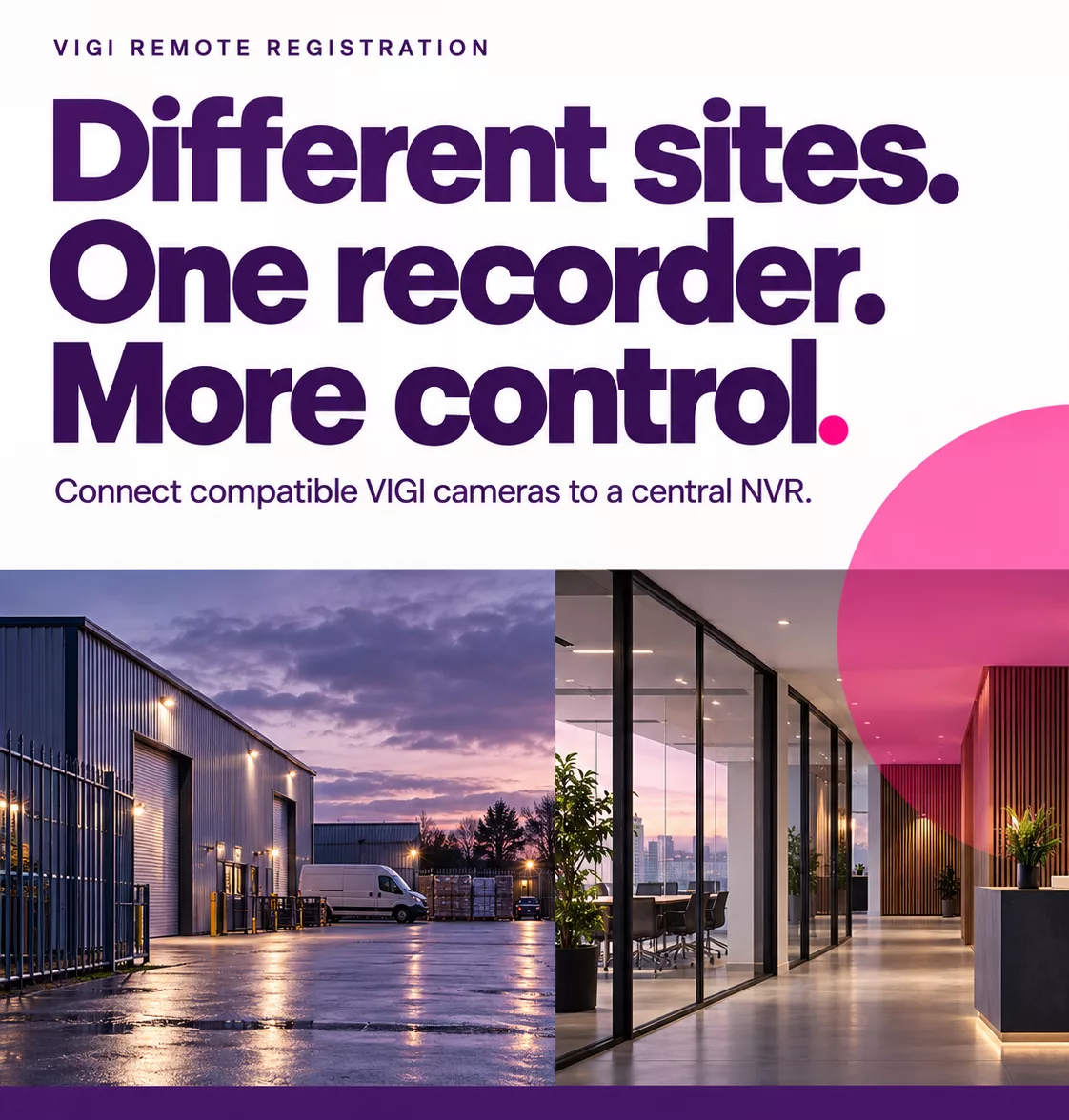
Bring Remote Sites Together With VIGI Remote Registration
Not every site has a convenient place for a recorder. A customer might need cameras at a remote building, a temporary construction site or an unattended yard, while keeping their recordings somewhere more secure.
VIGI Remote Registration allows compatible VIGI cameras on different networks to connect to a central VIGI NVR. This brings viewing, playback, configuration and recording into one familiar system, with footage stored on the recorder rather than an external cloud service.
For installers managing cameras across separate locations, there is plenty to like.
The camera initiates an encrypted connection to the NVR, allowing it to register with a recorder on another network. Once added, the remote camera can be managed through the NVR alongside the customer’s local cameras.
That means the recorder can stay at a main office, guard room or another protected location, while the cameras cover the areas where they are needed.
There is no separate cloud storage subscription required for this camera-to-NVR connection. A suitable network connection between the camera and recorder is still needed, whether that uses existing wired networking or a cellular service.
Keeping recordings away from the camera also has a practical benefit.
On temporary or unattended sites, a camera could be damaged, stolen or removed. If its only recording is stored inside the device, the footage could disappear with it.
With Remote Registration, footage already sent to the central NVR remains available at the recorder location. For construction sites, remote entrances and storage yards, this gives customers a way to keep received recordings away from the equipment out in the field.
The setup can also be adapted to suit different types of installation.
For a building with power and Ethernet already in place, compatible wired VIGI cameras can connect to an NVR at another site. Where fixed broadband is unavailable, a suitable VIGI 4G camera can use a cellular connection instead.
For locations without mains power or fixed networking, a system can be designed around solar power, cellular connectivity and multiple cameras sharing one uplink. The right combination will depend on the coverage, power and recording requirements of the site.
Connection quality matters too.
Remote Registration supports sending the camera’s main video stream to the NVR, but the network needs enough sustained upload capacity for the chosen video quality. The recorder also needs sufficient capacity for the cameras being added.
For installers, this means planning the connection around the detail the customer needs to record.
Temporary network interruptions do not necessarily have to leave a permanent gap in the recordings either.
With compatible cameras, NVR firmware and local camera storage, Automatic Network Replenishment, or ANR, allows the camera to record locally while the connection is down. Once the link returns, the missing footage can be transferred to the NVR.
This is particularly useful for remote locations where connectivity may be less consistent.
Setup starts by enabling Remote Registration on the NVR and creating a verification code. The matching NVR information and code are then entered on the camera, before returning to the recorder to add or approve the remote channel and check that management and recording are working.
Camera and NVR compatibility, firmware, network capacity and any ANR requirements should be confirmed as part of the installation design.
VIGI Remote Registration gives installers another option when cameras and recorders need to be in different places. It brings remote cameras into a central recording system, keeps received footage at a protected location and allows customers to manage their surveillance through a familiar VIGI NVR interface.
Want to know if it is right for your next installation?
Speak to your account manager by calling 01772 336 111 or email sales@qedgroup.co.uk.
You can download the VIGI feature spotlight below.
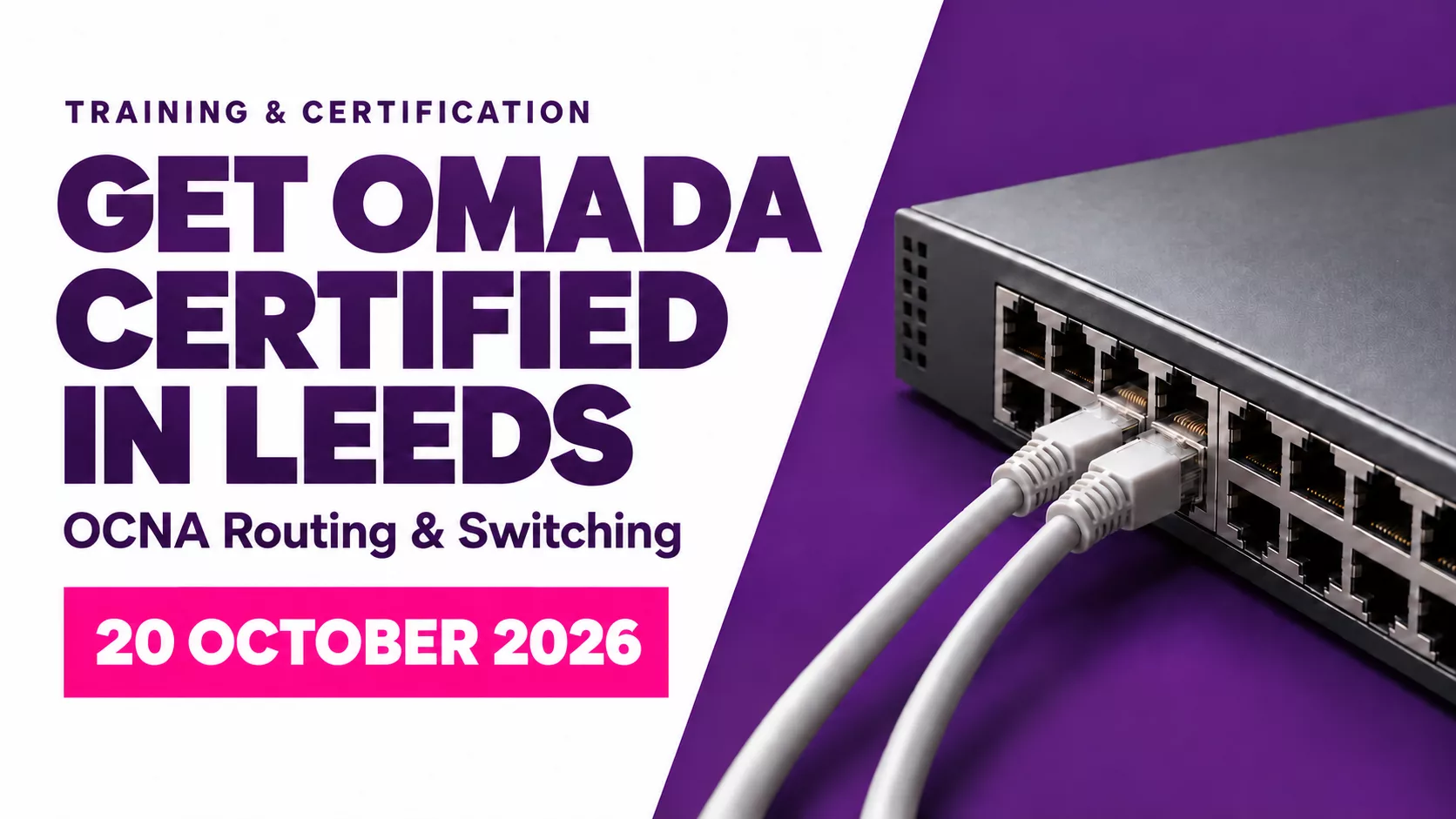
Get Omada Certified in Leeds This October
Our friends at TP-Link are hosting an Omada Certified Network Administrator (OCNA) Routing & Switching training day in Leeds on Tuesday 20th October. Build your practical networking skills, get hands on with Omada equipment and work towards your OCNA certification.
OCNA Routing & Switching
Date: Tuesday 20th October 2026
Time: 9.30am to 5.00pm
Location: Village Hotel Leeds South, Capitol Boulevard, Tingley, Leeds
The course combines theory with practical lab activities using Omada Hardware Controllers, Gateways and Switches. You will explore network fundamentals, wired network design, routing and switching, with guidance on network security and troubleshooting.
Why Attend?
- Build practical skills for deploying and managing Omada networks.
- Get hands-on with the equipment and guidance from a dedicated trainer.
- Access learning materials through your TP-Link training account.
- Take the online OCNA exam, with certification awarded following successful course completion and an exam score of at least 65%.
Lunch and refreshments are included, along with a TP-Link gift package containing a notebook, pen and smart plug.
Who Is It For?
Installers, network administrators, IT resellers and managed service providers working with Omada, or looking to develop their knowledge of the platform.
Tuesday 20th October 2026